Calibration History Panel
Overview
The IFW Calob History panel allows the user to review the history of generated calibrations. The interface uses the calibration history database as its information source and displays the JSON OBD generated as a table.
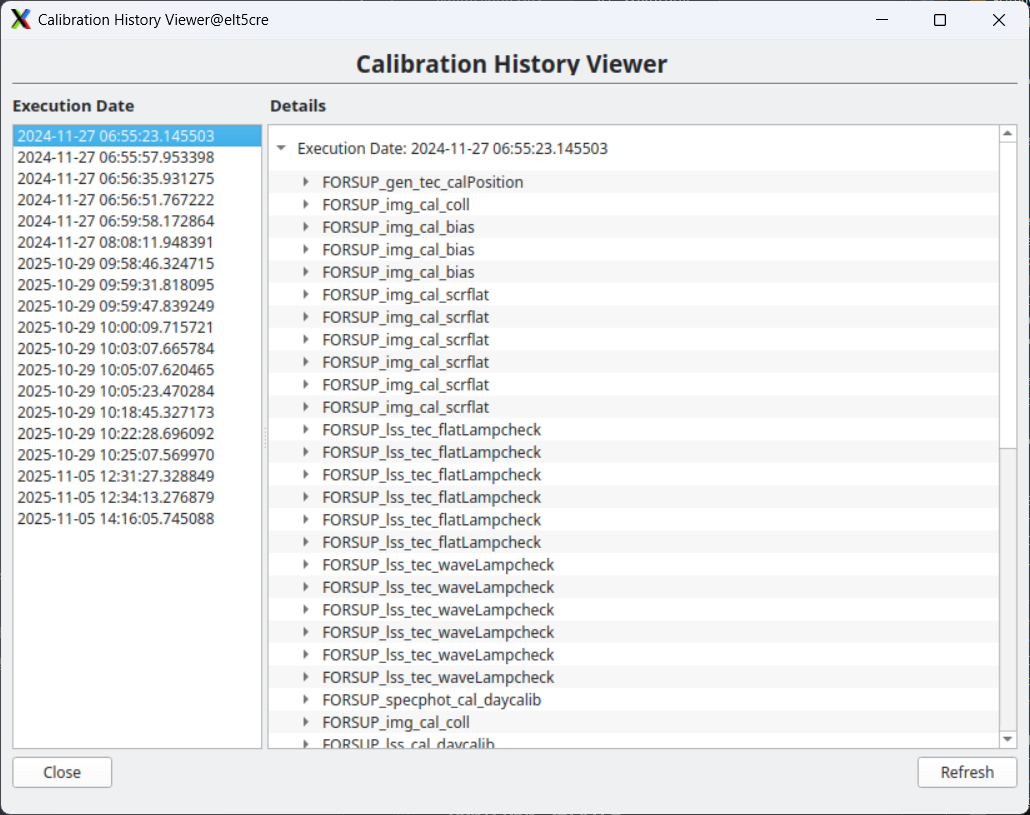
The execution runs will be displayed on the left and when clicked the details, i.e. all the OBs that are part of the run, are displayed on the right. Please note that the list is not automatically updated, but the refresh button on the bottom right should be clicked to refresh the list.
Usage
The Calob History panel can be executed from the command line:
$ calobHistory -c <configuration_file>
The configuration file is the same one that is used with calobGenerator, for example:
$ calobHistory -c config/ifw/calob/example/configuration.yaml