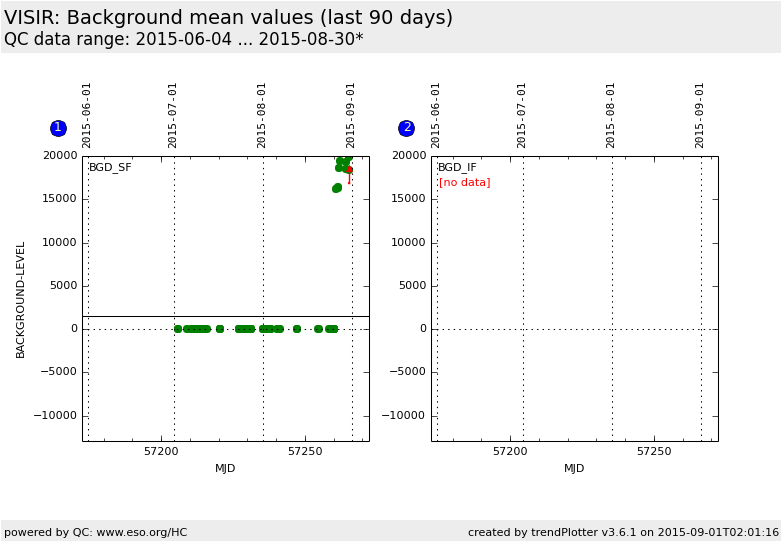
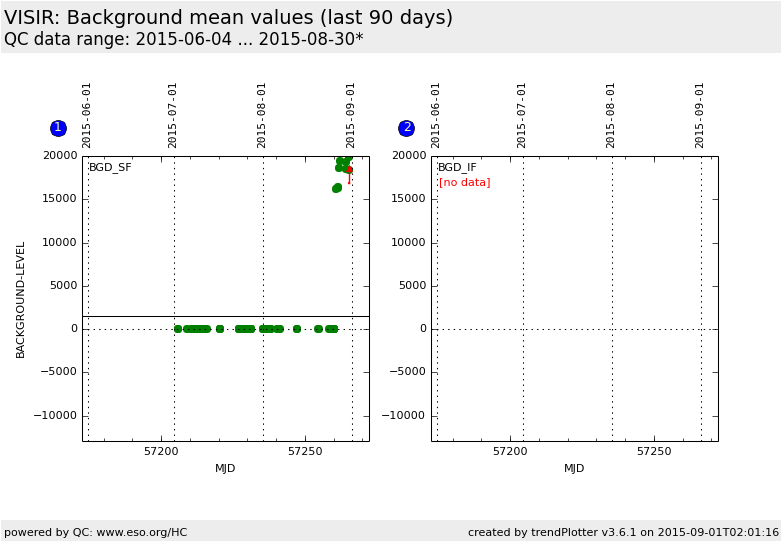
Historical mean background values from imaging standard star observations
using the pre-upgrade detector.
Only data taken with the PAH1 filter are selected. The plot is separated
into small-field (SF) pixel field of view (0.075 arcsec/pixel) and
intermediate-field (IF) pixel field of view (0.127 arcsec/pixel).
The background level is determined from the half-cycle
frames where no offset correction (32768 value added for each pixel)
was applied.
General information
Click on any of the plots to see a close-up version.
The latest date is indicated on top of the plot.
If configured,
data points belonging to the latest date are specially marked
statistical averages are indicated by a solid line, and thresholds by broken lines
outliers are marked by a red asterisk. They are defined as data points outside the
threshold lines
"aliens" (= data points outside the plot Y limits) are marked by a red arrow (↑ or ↓)
you can download the data for each parameter set if the 'Data downloads' link shows up
 mirror sites:
PL (internal
link) HQ
[?]
mirror sites:
PL (internal
link) HQ
[?]
 score overview