Plot
? |
Symb
? |
Source
* |
Average ? |
Thresholds ? |
N_
data |
QC1
parameter |
Data
downloads |
Remarks |
| method |
value |
unit |
method |
value |
| 1 |
• | QC1DB |
MEAN |
|
counts/sec |
VAL | 100,600 |
0 |
flux |
this |
last_yr |
all
|
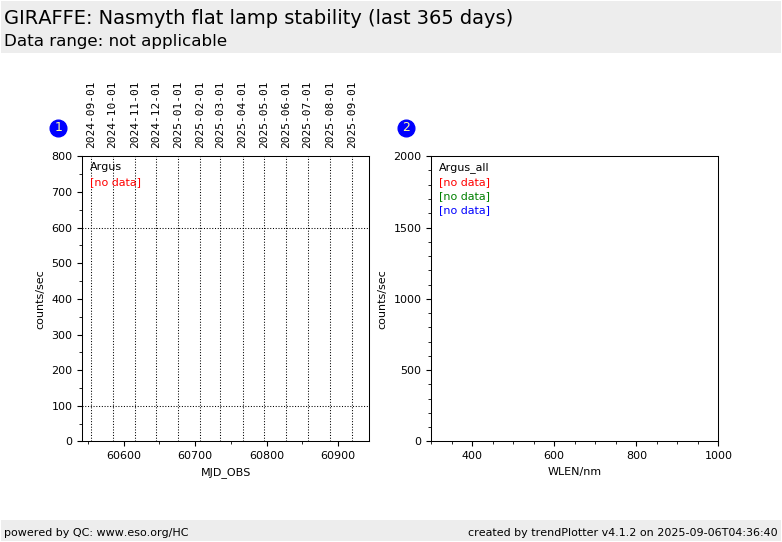
NASMYTH flat lamp, Argus L543.1 setting |
| 2 |
• | QC1DB |
none |
|
counts/sec |
none | |
0 |
flux |
this |
last_yr |
all
|
flux vs. wavelength, for all Argus LR |
| 2 |
• | QC1DB |
none |
|
counts/sec |
none | |
0 |
flux |
this |
last_yr |
all
|
same, for all Argus HR |
| 2 |
• | QC1DB |
none |
|
counts/sec |
none | |
0 |
flux |
this |
last_yr |
all
|
same, for Argus L543.1 |
| |
|
*Data sources: QC1DB: QC1 database; LOCAL: local data source
|
Plot 1
scores:  1| 1|
| | data source: | giraffe_flat
(QC1 database) |
| dataset: | flux | • |
| mean: | no data | counts/sec |
| fixed thresholds: | 100...600 | counts/sec |
| N_data plotted: | 0 |
| [click plot for closeup] |
Plot 2
scores: not implemented
| | data source: | giraffe_flat
(QC1 database) |
dataset:
(numbers below apply to this dataset) | flux | • |
| average: | none |
| thresholds: | none |
| N_data plotted: | 0 |
| [click plot for closeup] |
This is the trending plot for the stability of the GIRAFFE nasmyth flat calibration
lamp. It is based on NASMYTH flats (flattype=NAS) taken in the L543.1 setting
of the Argus IFU.
These data are acquired everytime the standard star efficiency monitoring is
executed (every 1-2 months). Furthermore it may also be triggered by
a SCIENCE OB and a standard
star exposure.
The average flux is obtained by dividing the average signal in the first raw
file by the EXPTIME.
The last plot in the
trending report collects all existing nasmyth lamp data for Argus, to give an
indication about the wavelength dependency of the lamp efficiency.
General information
Click on any of the plots to see a close-up version.
The latest date is indicated on top of the plot.
If configured,
- data points belonging to the latest date are specially marked
- statistical averages are indicated by a solid line, and thresholds by broken lines
- outliers are marked by a red asterisk. They are defined as data points outside the
threshold lines
- "aliens" (= data points outside the plot Y limits) are marked by a red arrow (↑ or ↓)
- you can download the data for each parameter set if the 'Data downloads' link shows up
|